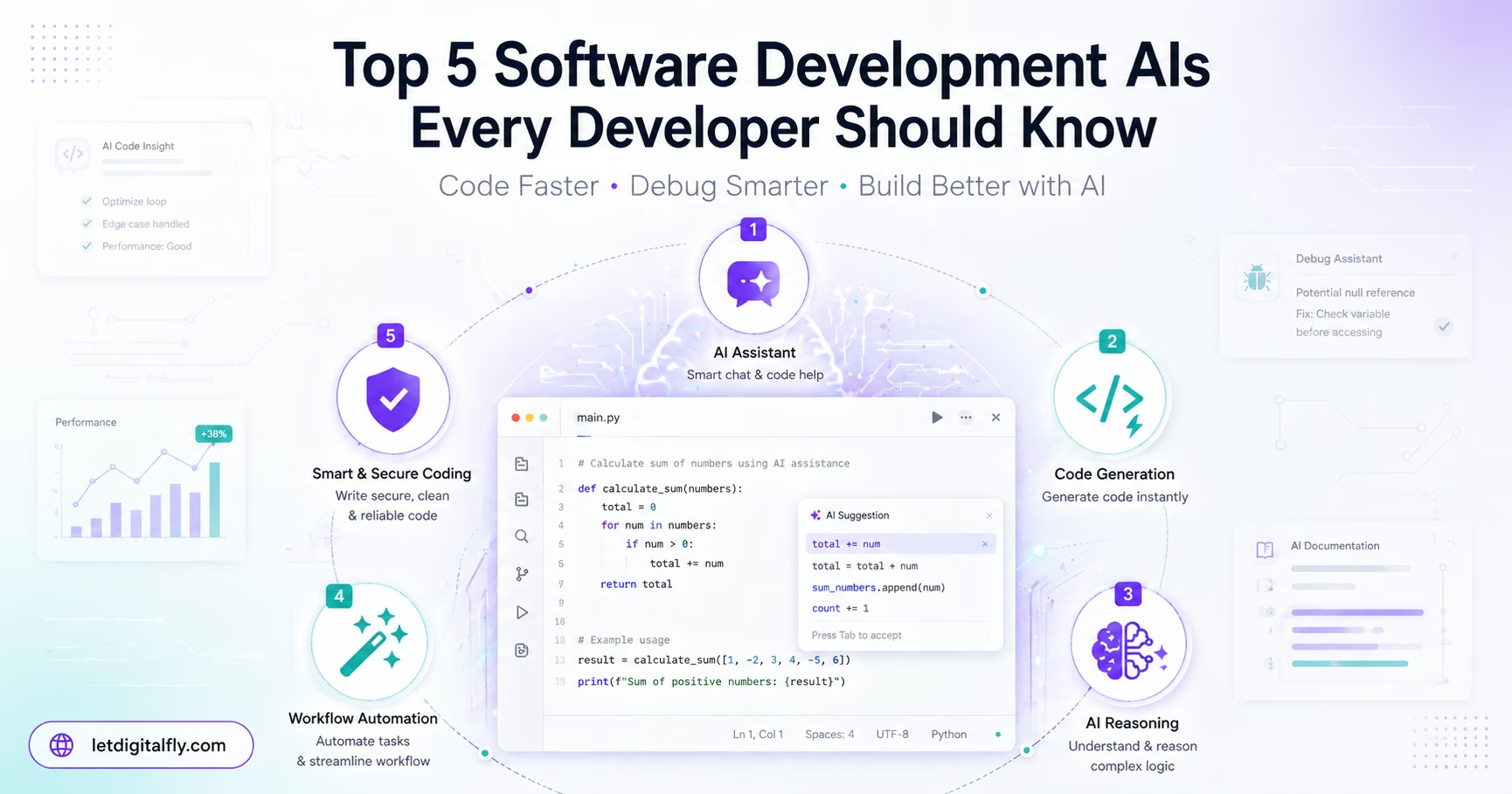
Top 5 Software Development AIs Every Developer Should Know

Discover the top 5 AI coding tools including Claude AI, Cursor, and GitHub Copilot. Learn how software development AI boosts productivity, improves code quality, and transforms modern programming workflows.
Introduction
Software development is changing faster than ever. The days of writing every single line of code manually are slowly fading. Today, developers have powerful AI assistants that can write, debug, explain, and optimize code in seconds. These tools are not replacing programmers. Instead, they are making good developers great and great developers exceptional.
Artificial intelligence has moved from science fiction to daily reality in engineering teams worldwide. Whether you are building a web application, a mobile app, or complex backend systems, AI coding tools can save hours of tedious work. They help catch bugs before they reach production. They explain legacy code that no one understands anymore. They even generate entire functions from simple descriptions.
But with so many AI tools available, which ones actually deliver value? Which are worth your time and subscription money? In this article, we rank the top 5 software development AIs that every developer should know. We explain what makes each tool unique, how developers use them in real projects, and why they matter for modern software engineering.
Let us dive into the best AI coding assistants available today.
Rank #1 — Claude AI
What Is Claude AI?
Claude AI is a large language model developed by Anthropic. It stands out from other AI tools because of its focus on safety, reasoning, and long-context understanding. For developers, Claude is not just another chatbot. It is a genuine coding companion that can handle complex programming tasks with remarkable accuracy.
Claude's ability to process massive amounts of code at once is unmatched. While many AI tools struggle with longer files or larger codebases, Claude handles them comfortably. This makes it ideal for real-world development work where context matters.
Why Claude Is the Most Powerful AI for Developers
Claude has earned the number one spot on this list for several reasons.
Superior Reasoning Abilities
Claude does not just guess answers. It walks through problems step by step. When you ask Claude to fix a bug, it explains what might be wrong, suggests solutions, and then shows corrected code. This reasoning process helps developers learn, not just copy-paste.
Massive Context Window
Claude can process up to 200,000 tokens in a single conversation. That is roughly the length of a long novel or about 75,000 words of code. You can paste entire files, documentation, and error logs all at once. Claude remembers everything and provides context-aware answers.
Excellent Code Generation
Claude writes clean, readable, and well-structured code. It follows best practices and includes helpful comments. Whether you need Python, JavaScript, TypeScript, Go, Rust, or Java, Claude delivers high-quality output.
Strong Debugging Skills
Give Claude an error message and the surrounding code. It will identify the root cause and suggest fixes. For tricky bugs that take hours to find, Claude often spots the issue in seconds.
How Developers Use Claude
-
Code explanation – Paste unfamiliar code and ask Claude to explain what it does line by line
-
Refactoring – Ask Claude to improve messy code without changing its behavior
-
Test generation – Claude can write unit tests for existing functions
-
Documentation creation – Generate docstrings and README files automatically
-
Code review assistance – Paste a pull request and ask Claude to find potential issues
Real-World Example
Imagine you have a 500-line Python function that processes financial data. It works but is too slow. You paste the entire function into Claude and ask: "This function is slow on large datasets. Suggest optimizations without changing the output."
Claude analyzes the code, identifies a nested loop causing O(n²) complexity, suggests using a hash map to reduce it to O(n), and provides the rewritten function. What would take an hour of manual analysis takes two minutes.
Limitations to Know
Claude requires an internet connection. The free tier has usage limits. For heavy daily use, a paid subscription is worth considering.
Rank #2 — Cursor AI
What Is Cursor AI?
Cursor is not just an AI tool. It is an AI-native code editor built on top of Visual Studio Code. Cursor integrates AI directly into your editing workflow. You do not switch between a browser and your editor. The AI is always there, ready to help.
Cursor combines the familiar VS Code interface with powerful AI features. Developers who already use VS Code feel at home instantly.
Key Features
-
AI autocomplete that understands your entire project, not just the current file
-
Chat with your codebase using natural language questions
-
Multi-file edits – Cursor can suggest changes across several files at once
-
Codebase indexing – Cursor learns your project structure and coding patterns
How Developers Use Cursor
Instant Code Generation
Type a comment describing what you want. Cursor generates the code right where your cursor is. For example, type "function to validate email address" and Cursor writes the complete function.
Ask Questions About Your Code
Highlight any code and ask "what does this do?" or "how can I improve this?" Cursor answers immediately without leaving the editor.
Refactor Across Files
Need to rename a function used in twenty places? Ask Cursor to do it. It finds all usages and updates them correctly.
Why It Is Useful
Cursor reduces context switching. You stay in your editor. The AI understands your whole project, not just the current file. This leads to more accurate suggestions and faster development.
Real-World Example
You are building a React app with TypeScript. You need to add authentication. Instead of opening documentation and writing code manually, you press Cmd+K and type: "Add login and signup forms with email validation and error handling using React hooks."
Cursor generates both components, the form logic, validation rules, and error states. It follows the coding patterns already used in your project because it has indexed your codebase.
Rank #3 — GitHub Copilot
What Is GitHub Copilot?
GitHub Copilot was the first mainstream AI coding assistant. Developed by GitHub in collaboration with OpenAI, Copilot changed how millions of developers write code. It is available as an extension for VS Code, JetBrains IDEs, Neovim, and more.
Copilot is trained on billions of lines of public code from GitHub repositories. It suggests entire lines or blocks of code as you type.
Key Features
-
Real-time code suggestions as you write
-
Support for dozens of programming languages
-
Copilot Chat for answering coding questions
-
Copilot for Pull Requests that helps write PR descriptions
-
Copilot for the Command Line that suggests terminal commands
How Developers Use Copilot
Accelerated Boilerplate
Writing repetitive code like getters, setters, or CRUD operations? Copilot completes them instantly. Write the first few characters, and Copilot suggests the rest.
Learning New Frameworks
Starting with a new library? Write a comment like "import and configure Express server." Copilot generates the correct setup code.
Quick Prototyping
Need a working prototype fast? Copilot helps you stitch together functional code without looking up syntax every few seconds.
Why It Is Useful
Copilot is everywhere. It works in almost every IDE. The suggestions feel magical when they are right. For common patterns and standard libraries, Copilot excels.
Copilot generates the complete streaming parser, the database connection setup, the insert query, and error handling. You save fifteen minutes of documentation hunting.
Limitations
Copilot can sometimes suggest code that looks correct but has subtle bugs. It also struggles with very niche or newer libraries. Always review its suggestions.
Rank #4 — ChatGPT (OpenAI)
What Is ChatGPT?
ChatGPT from OpenAI is the most widely known AI assistant. While not built exclusively for coding, its code generation and reasoning abilities are exceptional. GPT-4 and GPT-4 Turbo versions understand complex programming concepts and produce high-quality code.
ChatGPT is a general-purpose tool. But for developers, it serves as an on-demand coding expert, documentation reader, and debugging partner.
Key Features
-
Strong code generation across all major languages
-
Code explanation and translation between languages
-
Algorithm design and complexity analysis
-
API integration examples
-
Conversational debugging – you can go back and forth to refine solutions
How Developers Use ChatGPT
Build Complete Functions
Describe what you need in plain English. "Write a function that fetches weather data from an API, caches it for ten minutes, and returns Celsius or Fahrenheit based on a parameter." ChatGPT returns working code.
Debugging with Context
Paste an error message plus the surrounding code. ChatGPT explains the likely cause and provides corrected code.
Learn New Concepts
"What is the difference between async/await and promises in JavaScript?" ChatGPT answers clearly with examples.
Why It Is Useful
ChatGPT is accessible and free (with paid tiers for more usage). The conversation format allows you to ask follow-up questions until the solution is perfect. It also explains the reasoning behind its answers, helping you learn.
Real-World Example
You need to implement a rate limiter for an API endpoint. You know the concept but have never written one. You ask ChatGPT:
"Write a rate limiter middleware for Express.js that allows 100 requests per IP address per 15 minutes. Use an in-memory store."
ChatGPT provides the complete middleware with timestamps, cleanup logic, and proper error responses. It also explains how to integrate it into your existing routes.
Limitations
ChatGPT does not know your specific codebase unless you paste context. It also has usage limits on the free tier. For larger codebases, you need to provide relevant excerpts manually.
Rank #5 — TabNine
What Is TabNine?
TabNine is an AI code completion tool that runs locally or in the cloud. It supports all major IDEs including VS Code, IntelliJ, Sublime Text, and Vim. TabNine started as an autocomplete tool but has evolved into a full AI assistant with chat capabilities.
What makes TabNine unique is its flexibility. You can use it completely offline with a local model for privacy-sensitive projects.
Key Features
-
Local model option – No data leaves your machine
-
Deep learning autocomplete that improves over time
-
Support for over 20 programming languages
-
Team plans for organizations
-
Chat interface similar to other AI assistants
How Developers Use TabNine
Privacy-First Code Assistance
Working on proprietary or sensitive code? TabNine's local mode runs entirely on your machine. No code is sent to the cloud. This is critical for finance, healthcare, and government projects.
Fast Autocomplete
TabNine makes suggestions as you type. The predictions are fast and context-aware. For developers who want AI without leaving their keyboard, TabNine delivers.
Natural Language to Code
Write a comment like "sort array of objects by date property." TabNine generates the sorting code.
Why It Is Useful
For developers who cannot use cloud-based AI tools due to security policies, TabNine is the best option. It brings AI-powered coding to locked-down environments. The completions are accurate, and the local model is surprisingly capable.
Real-World Example
You work for a bank. All code must stay on internal servers. No ChatGPT, no Claude, no cloud Copilot. You install TabNine with local mode. Now you get intelligent code completions and natural language code generation without any data leaving your machine. You can type "validate credit card number using Luhn algorithm" and TabNine writes the function locally.
Limitations
The local model is not as powerful as cloud-based models like Claude or GPT-4. It may struggle with very complex or unusual requests. But for daily coding tasks, it performs well.
Comparison Summary
Claude AI
-
Best For: Complex reasoning and large contexts
-
Key Strength: 200K token context window
-
Pricing Model: Free tier + paid
Cursor AI
-
Best For: AI-native editing experience
-
Key Strength: Deep codebase understanding
-
Pricing Model: Paid (free trial available)
GitHub Copilot
-
Best For: Everyday autocomplete
-
Key Strength: IDE integration everywhere
-
Pricing Model: Paid subscription
ChatGPT (OpenAI)
-
Best For: Conversational problem solving
-
Key Strength: Free access + explanation quality
-
Pricing Model: Free tier + paid
TabNine
-
Best For: Privacy-sensitive environments
-
Key Strength: Local offline model
-
Pricing Model: Free tier + paid
How to Choose the Right AI for Your Workflow
No single AI tool is perfect for every situation. Many developers use multiple tools depending on the task.
For complex debugging and refactoring – Start with Claude AI. Paste entire files and get detailed analysis.
For daily coding inside your editor – Choose Cursor AI or GitHub Copilot based on your preference for full AI integration vs lightweight autocomplete.
For learning and quick questions – ChatGPT is hard to beat. It is free and explains concepts clearly.
For secure environments – TabNine local mode is the only option that keeps code completely private.
Many developers use Claude for heavy reasoning tasks and GitHub Copilot for everyday autocomplete. The combination covers most needs.
The Future of AI in Software Development
AI coding tools are improving rapidly. Each new model brings better reasoning, larger contexts, and fewer errors. We are moving toward AI that understands entire codebases, not just individual files.
Future AI tools will likely handle:
-
Automated refactoring across large projects
-
Security vulnerability detection during development
-
Performance optimization suggestions based on real usage patterns
-
Natural language feature requests translated to working code
But one thing will not change. Developers who learn to use AI effectively will outperform those who do not. These tools are not replacing programmers. They are augmenting them.
Conclusion
Artificial intelligence has become an essential part of modern software development. The five tools covered in this article represent the best options available today.
Claude AI leads the list with its superior reasoning and massive context window. It is the tool to choose when you need deep understanding of complex code.
Cursor AI transforms your code editor into an intelligent partner. It knows your entire codebase and helps across multiple files seamlessly.
GitHub Copilot started the AI coding revolution and remains a solid choice for everyday autocomplete and boilerplate generation.
ChatGPT provides a free, accessible gateway to AI-powered coding assistance. Its conversational approach helps developers learn while building.
TabNine serves developers who cannot use cloud-based tools. The local model brings AI assistance to even the most secure environments.
Every developer should experiment with at least two or three of these tools. Find what fits your workflow. AI will not write perfect code every time. But used wisely, it will save hours of effort, reduce bugs, and make development more enjoyable.
If you are looking for custom software solutions or want to build a professional app or website, visit our platform: https://www.letdigitalfly.com/
For inquiries or project discussions, contact us here: https://letdigitalfly.com/contact/