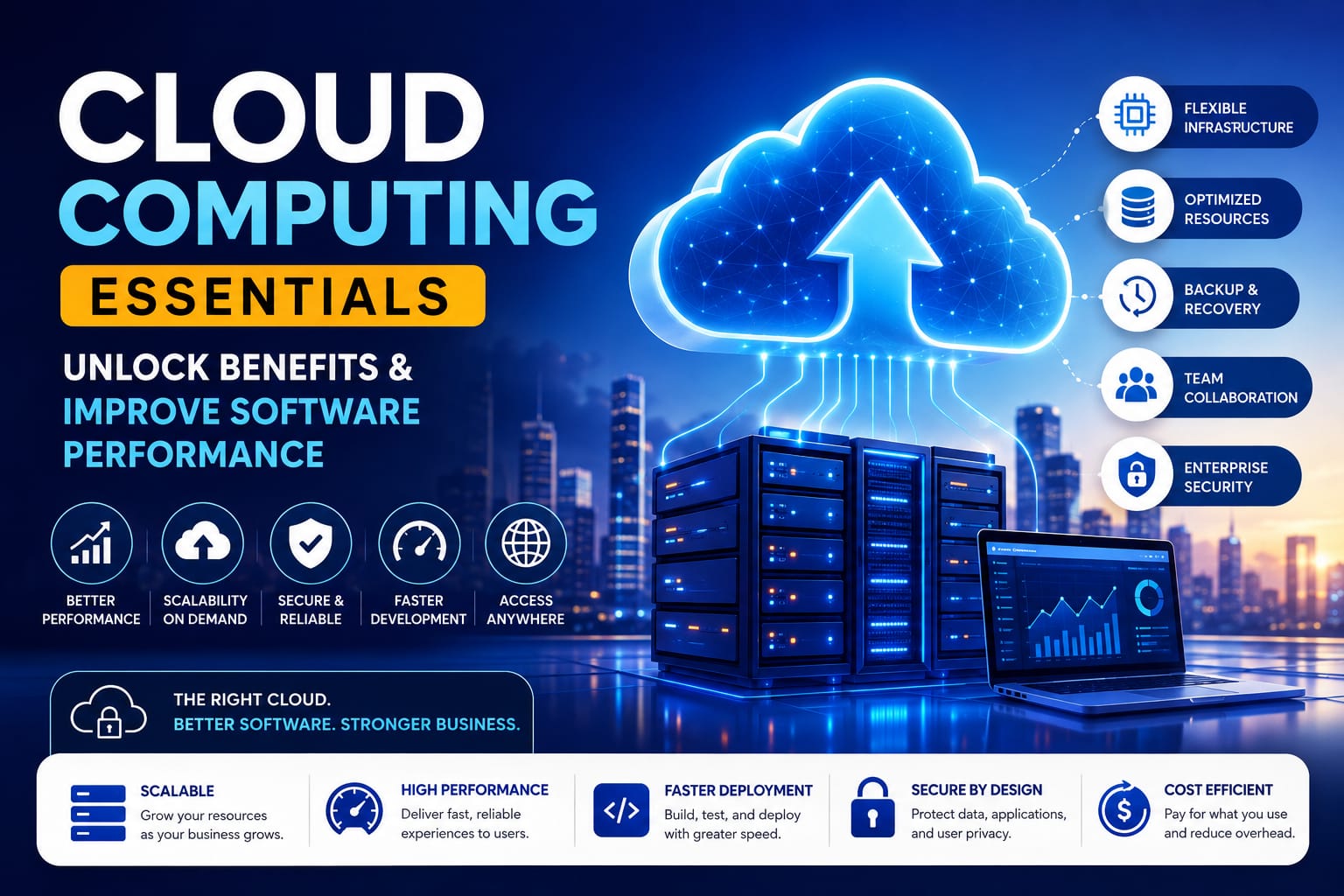
Cloud Computing Essentials: Unlock Benefits and Improve Software Performance

Cloud computing provides the foundation for modern software. Learn the essentials, explore key benefits, and discover how the cloud can improve software performance.
Software is no longer limited to a single computer, office server, or physical location. Today, businesses expect their applications to be fast, reliable, scalable, and accessible from almost anywhere. Cloud computing makes this possible by providing the infrastructure and resources modern software needs. However, simply moving software to the cloud does not guarantee better results. Understanding the essentials of cloud computing helps businesses choose the right approach, improve software performance, manage resources efficiently, and build systems that can grow with changing demands.
What Is Cloud Computing?
Cloud computing is the delivery of computing resources over the internet instead of relying entirely on locally owned hardware. These resources can include servers, storage, databases, networking, processing power, and software services.
In a traditional setup, a business may need to purchase physical servers, maintain hardware, install software, and handle infrastructure upgrades. With cloud computing, many of these resources can be accessed from a cloud provider and adjusted according to business requirements.
For example, a company running an online application may use cloud infrastructure to host its software, store application data, operate databases, and process user requests. This allows the company to focus more on its software and business goals instead of managing every piece of physical infrastructure.
How Does Cloud Computing Work?
Cloud computing works through a combination of data centers, servers, networking technologies, virtualization, storage systems, and software platforms. Cloud providers operate physical infrastructure and make computing resources available to customers through online services.
When an application runs in the cloud, users interact with the software through an internet connection while the underlying computing resources operate on remote infrastructure.
Several components are important to understand.
Computing Resources
Servers provide the processing power required to run applications, websites, databases, and other workloads. Businesses can select resources based on the requirements of their software and adjust them when those requirements change.
Storage and Databases
Cloud storage can hold application files, backups, media, and other data. Cloud databases provide structured systems for storing and retrieving information that software applications need to operate.
Networking
Cloud networking connects users, applications, databases, and services. Efficient networking can be particularly important for applications that depend on multiple services working together.
Virtualization
Virtualization allows physical hardware to support multiple virtual environments. This helps cloud providers allocate resources efficiently while giving customers flexible computing environments.
Cloud Computing Service Models
Another important part of cloud computing essentials is understanding the different service models. The three common models are IaaS, PaaS, and SaaS.
Infrastructure as a Service
Infrastructure as a Service, or IaaS, provides fundamental resources such as virtual servers, storage, and networking. Businesses have significant control over their computing environment while the provider manages the underlying physical infrastructure.
IaaS can be useful when development teams need greater flexibility to configure their software environment.
Platform as a Service
Platform as a Service, or PaaS, provides tools and environments for developing, testing, and deploying applications. It reduces the amount of infrastructure management developers need to handle.
This can allow development teams to spend more time improving application functionality rather than maintaining underlying systems.
Software as a Service
Software as a Service, or SaaS, delivers software applications through the internet. Users generally access the application through a browser or dedicated client instead of installing and maintaining the complete system locally.
Examples include online project management, accounting, communication, customer relationship management, and collaboration applications.
Cloud Computing Essentials: Unlock Benefits for Modern Software
Cloud computing can provide several practical advantages for businesses developing or operating software. The actual benefits depend on how the cloud environment is designed and managed.
Improve Scalability
Software applications do not always have a consistent workload. A website may receive normal traffic most of the time but experience a significant increase during a promotion or seasonal event.
Cloud environments can provide the flexibility to increase or decrease computing resources as workloads change. This scalability can help applications handle changing demand without requiring businesses to purchase permanent physical infrastructure for occasional peaks.
Support Better Software Performance
Cloud computing can contribute to software performance by providing appropriate computing resources, scalable infrastructure, content delivery capabilities, caching options, and monitoring tools.
However, cloud infrastructure alone does not make poorly designed software faster. Application architecture, database queries, code efficiency, network configuration, and resource allocation also affect performance.
A well-designed cloud environment works together with well-developed software to create a more responsive and reliable user experience.
Speed Up Development and Deployment
Cloud platforms can make it easier for development teams to create testing environments, provision resources, and deploy applications.
Instead of waiting for physical infrastructure to be purchased and configured, teams can use available cloud services to support development and deployment workflows. This can shorten development cycles and make it easier to release improvements.
Enable Remote Access
Cloud-based software can be accessed from different locations when users have the necessary permissions and connectivity.
This is particularly useful for organizations with distributed teams. Employees can work with shared applications, databases, and business systems without depending entirely on infrastructure located in one physical office.
Support Backup and Recovery
Cloud infrastructure can be part of a business's backup and disaster recovery strategy. Data can be replicated or backed up to separate systems, helping organizations prepare for certain hardware failures, accidental deletion, or service disruptions.
A cloud provider does not automatically create a complete backup strategy. Businesses still need appropriate backup schedules, retention policies, access controls, and recovery procedures.
How Cloud Computing Can Improve Software Performance
Performance should be considered throughout the software development lifecycle, not only after an application becomes slow.
Cloud environments provide several options that can help development teams improve performance.
Use Resources Efficiently
Applications need enough computing power to handle their workload, but allocating excessive resources can increase costs without solving the underlying performance problem.
Monitoring CPU usage, memory, storage, and other relevant metrics can help teams understand how their software is using infrastructure.
Optimize Databases
Database performance can have a major impact on application response times. Efficient queries, appropriate indexing, database design, and suitable infrastructure can help applications retrieve information more effectively.
Use Caching and Content Delivery
Caching can reduce repeated processing by temporarily storing frequently requested information. Content delivery networks can also help deliver static content from locations closer to users, potentially reducing latency.
Monitor Application Performance
Performance monitoring helps teams identify slow requests, resource bottlenecks, errors, and unusual usage patterns. Continuous monitoring makes it easier to detect problems before they significantly affect users.
Security Considerations in Cloud Computing
Security is one of the most important cloud computing essentials. Businesses must protect software, user accounts, databases, and other digital resources from unauthorized access.
Cloud security commonly involves identity and access management, strong authentication, encryption, network controls, logging, monitoring, vulnerability management, and regular security reviews.
It is also important to understand the shared responsibility model. A cloud provider may secure the underlying infrastructure, while the customer remains responsible for areas such as application security, access permissions, configurations, and data protection.
Security requirements should therefore be considered when designing the software and cloud environment rather than added as an afterthought.
Common Cloud Computing Challenges
Although cloud computing offers flexibility, it also introduces challenges that businesses should plan for.
Cost management is one common concern. Cloud spending can increase when resources are left running unnecessarily or services are not monitored properly.
Vendor lock-in can also become an issue when software depends heavily on proprietary services from one provider. Businesses should consider portability and long-term requirements when designing their architecture.
Connectivity and availability are other considerations. Cloud-based software generally depends on networks and supporting services, so applications should be designed with reliability and recovery in mind.
How to Choose the Right Cloud Approach
The right cloud solution depends on the software, workload, budget, security requirements, and growth plans of the business.
Start by identifying what the application actually needs. Consider expected traffic, data requirements, performance targets, security controls, integrations, and future growth.
Next, evaluate the total cost rather than looking only at the initial service price. Infrastructure, storage, data transfer, monitoring, security tools, development, and ongoing management can all contribute to the overall cost.
Finally, consider whether the chosen architecture can evolve. Software requirements change over time, and a flexible cloud strategy can make it easier to adapt without rebuilding the entire system.
CONCLUSION
Cloud computing has become an important foundation for modern software because it can provide flexible infrastructure, scalable resources, remote accessibility, and tools that support faster development and reliable applications.
Understanding cloud computing essentials: unlock benefits is not simply about learning cloud terminology. It is about knowing how infrastructure, software architecture, security, performance, and resource management work together.
When businesses choose the right cloud approach and manage it carefully, they can create software that is more adaptable, efficient, and prepared for changing user demands. The goal should not be to move everything to the cloud simply because it is popular. The better approach is to use cloud technology where it solves a real business or software need.